START HERE · WHICH ONE IS IT
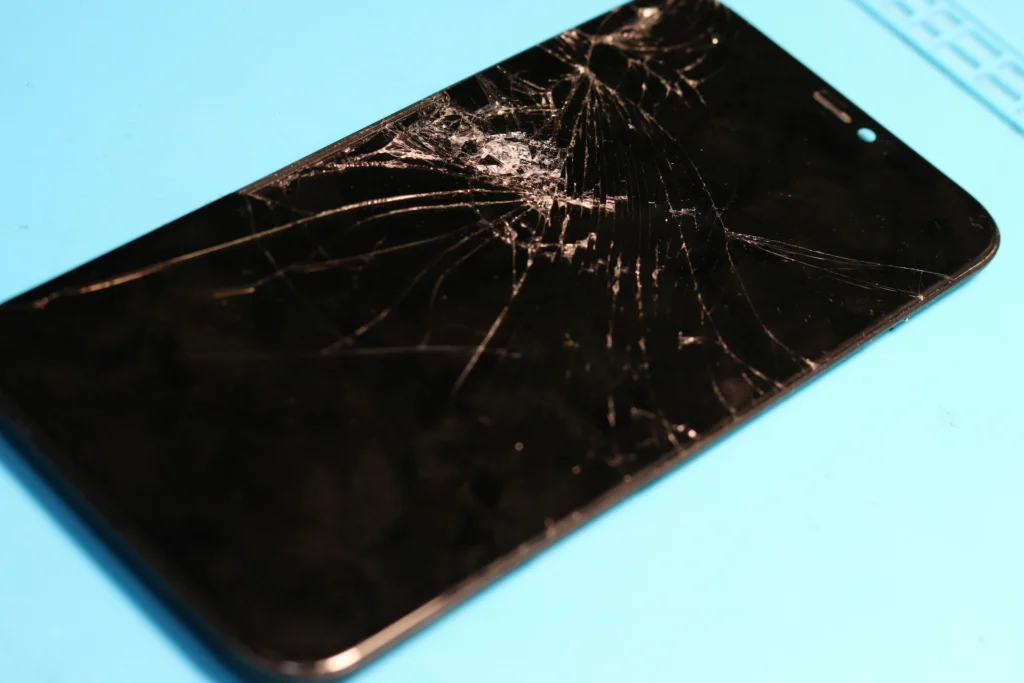
- Cracked glass, dead patches, or ink spreading across the display. Screen.
- Needs charging by lunchtime, or shuts down with charge left. Battery.
- Only charges at one angle, or the cable falls out. Port, and often only lint.
- None of the above and it will not power on at all. Free diagnosis, then a quote.
Cracked Screens
On every recent iPhone the glass, the touch layer and the display are one laminated assembly, so “just the glass” is rarely a separate job. What changes the price is how much of that assembly stopped working. Cracked glass over a clean picture with touch working everywhere is the best and cheapest case. Ink blotches, coloured bars or dead patches of touch mean the panel underneath went too, and those spread, so waiting does not make it cheaper.
The other thing worth asking about is what happens to Face ID. On recent models the display assembly is paired to the phone at the factory, and a badly done swap can take Face ID out permanently. Ask which grade of part is going in and how the Face ID module is handled, here or anywhere else.
Batteries That No Longer Last the Day
A phone that needs charging by lunchtime is usually a battery rather than an old phone, and it is the cheapest way to get two more years out of hardware you already own. The tells are consistent: sudden drops from thirty percent to nothing, shutdowns in the cold, and a phone that runs warm doing very little.
Check Battery Health in Settings before you come in. Under eighty percent is the point where the phone starts throttling itself to stay alive, and that is when people usually notice their phone feels slow. Most battery swaps are under an hour when we have the part on the shelf.
A swollen battery is the one exception to any of this being routine. If the screen is lifting off the frame or the back is bowed, stop charging the phone and bring it in the same day.
Charging Ports That Have Got Fussy
This one is worth checking yourself first, because more than half the phones we see for it do not need a new port at all. Pocket lint compacts into the bottom of the port over months until the cable can no longer seat properly, and a careful clean brings it back.
What separates a clean from a replacement, how to tell which you are looking at, and why prodding at it with a paperclip is the fastest way to turn one into the other, is all in our dedicated guide: charging port repair in Fredericksburg, clean or replace. A genuine port replacement is board-level work, which is worth knowing when you are comparing options.

Skip the DIY with Computer Cave!
Same Day, and What That Actually Means
BATTERY
Under an hour
SCREEN
Same day
PORT
Same day
The variable is stock rather than labour. Common models are on the shelf and go out the same afternoon. Less common ones get ordered, and you get a date rather than a maybe. Ask which yours is when you call, and you can plan the day around the answer.
You can start a quote online before you come in, or read what an iPhone repair covers.
Why Central Park Rather Than the Drive North
There is no Apple Store in Fredericksburg. The nearest is Stonebridge at Potomac Town Center in Woodbridge, roughly twenty-five miles north on I-95, and anyone who commutes that stretch knows the mileage is not the part that costs you.
Where
Getting seen
Charging port faults
Turnaround
Apple Store
Computer Cave
Directions and hours are on the Fredericksburg service area page. If the problem is a laptop or a desktop rather than a phone, the Fredericksburg computer repair guide covers those.

Your old device is worth cash - get paid same day!
Instant quote · +10% as trade-in credit · In store or by mail