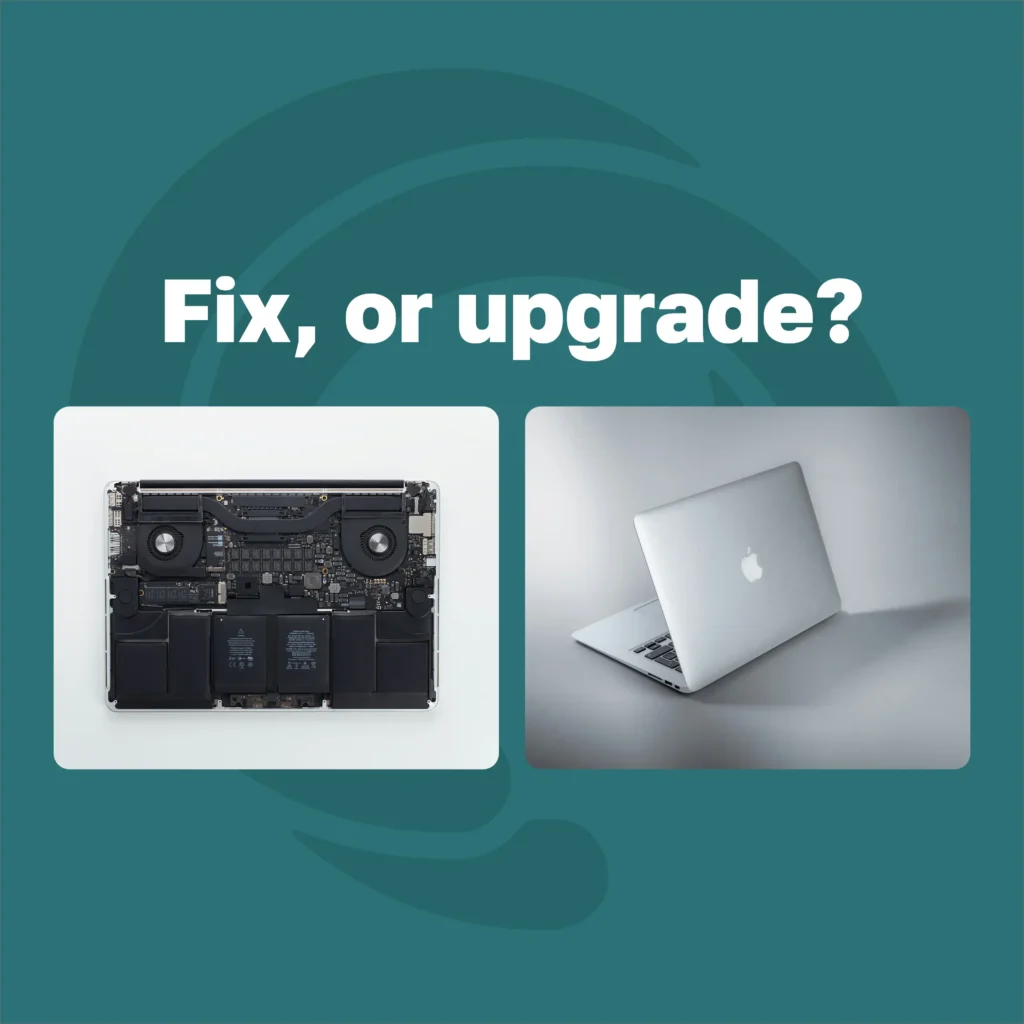
A MacBook is the machine people agonise over most, and for a good reason. It cost enough that writing it off feels wasteful, and it holds its value well enough that selling it is a real option rather than a consolation. So the question is rarely just “can this be fixed.” It is whether fixing it is the best use of the money, given what the machine is worth today and how much life is left in it.
There is a rule that settles most of these in about a minute, and then there are the four or five MacBook-specific things that change the answer.
START HERE · THE FOUR-QUESTION TEST
- Is the repair less than about half of what the MacBook is worth today? If yes, repairing usually wins.
- Is this the first fault, or the second in a year? Two faults in twelve months is a pattern rather than bad luck.
- Does it still get macOS updates, and will it next year? A machine dropping off support is a different decision from an old one that is still supported.
- Is everything backed up? Decide nothing until it is, and that is true whichever way you go.
⚠ If you end up replacing it, the old one is worth money in almost any condition. That belongs in the maths from the start, not as an afterthought.
The Rule We Use When People Ask
If the repair costs more than roughly half of what the machine would fetch today, stop and think about replacing it. That is the whole rule. We wrote the long version of it, on phones but the logic is identical, here: repair or replacement, and which saves more money.
The MacBook twist is that the second number is unusually kind. A five year old Mac is still worth something real, which pushes plenty of repairs onto the right side of the rule that would be marginal on a Windows laptop of the same age. It also means the replacement option is cheaper than it looks, because the old machine funds part of the new one. Get both numbers, the repair quote and the buyback figure, before you decide anything. Most people only ask for one of them.
Fix It: The Faults Worth Repairing
- The battery is the only complaint. A MacBook that needs the charger by lunchtime and is otherwise fine is a battery, not an old machine, and it is the single best value repair on the platform.
- The screen is damaged but the machine underneath is healthy. It is not a cheap part, but it is a known part and a predictable job, and it restores most of the resale value at the same time.
- The keyboard or trackpad has stopped behaving. Annoying, visible every day, and almost always fixable.
- A port has failed, or it charges only at a certain angle. Often a board-level repair rather than a replacement, which is a different and much better price.
- It is slow and it is an older model with storage you can actually change. Where an upgrade is possible, it is the cheapest transformation available. On newer machines it is not possible at all, which is the next section.
All five have something in common: a defined fault, a defined part and a predictable job. You can start a quote online or read what an Apple repair covers before you bring it in.

Skip the DIY with Computer Cave!
Replace It: The Faults That End the Conversation
Four situations where the honest answer is usually to stop spending.
- A logic board repair priced near what the machine is worth. On a Mac the board carries the processor, the memory and very often the storage, so replacing it is closer to replacing the computer than repairing it.
- Liquid damage on a machine that has already had liquid damage once. The first spill leaves the board weaker than it looks and the second one usually finds what the first one started.
- The model has dropped off macOS support, or drops off next year. Security updates end, then app support follows, and no repair buys those back.
- A second significant fault within a year. At that point you are not fixing a MacBook, you are subscribing to one.
What is fixable at the board level and what is not is a longer answer, and we set it out here: motherboard and board-level repair, what is actually fixable.
The Age Question, and What Actually Ages a MacBook
Age in years is the worst predictor people use. What matters is the software support window, the battery cycle count and whether the machine has enough memory for what you actually do on it. A seven year old MacBook with a fresh battery, still getting updates and doing email and documents, is fine. A three year old one with eight gigabytes of memory running video editing is struggling, and no repair fixes that because the memory is soldered in.
Cycle count, not years
Battery
The real expiry date
SUPPORT
The one nobody checks
Device Use
Check the battery cycle count and the service recommendation before you make any decision. It takes thirty seconds in the system information panel and it is the single most useful number about your machine that you are not currently looking at.
Soldered Storage, Soldered Memory, and What That Means for You
⚠ THE ONE THAT SURPRISES PEOPLE
On modern MacBooks the storage is part of the logic board. That has two consequences worth knowing before anything goes wrong. You cannot add space later, so the machine you bought is the machine you have. And if the board fails, your files are inside the failure rather than beside it. A backup is not optional on these machines, it is the only copy of your work that exists somewhere the board cannot take with it.
If a MacBook with soldered storage has already failed and the files matter, say that before anything else happens, because it changes the order the work is done in. Data backup and recovery is a service in its own right and it does not have to wait on a decision about the repair.
Repair, Replace, or Repair Then Sell
There is a third option that people miss, and on MacBooks it is often the best one. Fix the obvious fault, then sell the machine and put the proceeds toward the new one. It works because a repair that costs less than it adds to the resale value effectively pays for itself, and on screens and batteries that is frequently the case.
Repair & Keep
Best When
What You Spend
What you end with
Replace
Best When
What You Spend
What you end with
Repair & Sell
Best When
What You Spend
What you end with
A MacBook is worth money in almost any condition, including one that will not power on, and the figure is usually higher than people expect. The buyback quote gives you a number to hold the rest of this decision against, and selling a MacBook walks through what moves the price and what the process looks like.

Your old device is worth cash - get paid same day!
Instant quote · +10% as trade-in credit · In store or by mail
Before You Decide Either Way
Back it up. Not after the quote, not on the way to the shop. Any repair carries a small risk, any sale means wiping the machine, and the MacBook that arrives with a screen too broken to unlock is the one where a backup made two days earlier saves the day.
Then sign out of your Apple account and turn off Find My before the machine changes hands, whether it is going for repair or for sale. A Mac still locked to an account cannot be resold, and it is the single most common reason a sale falls over at the counter.