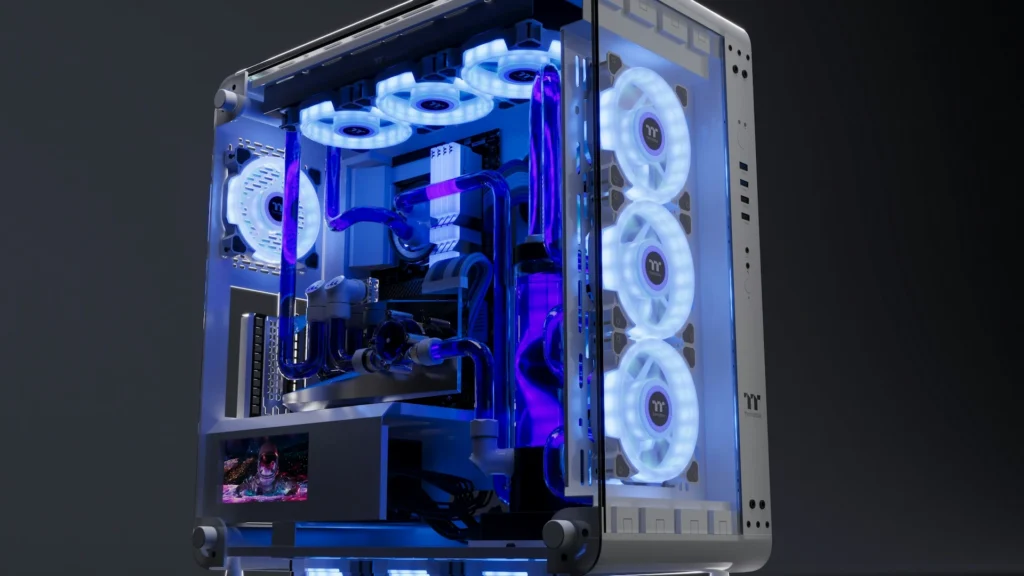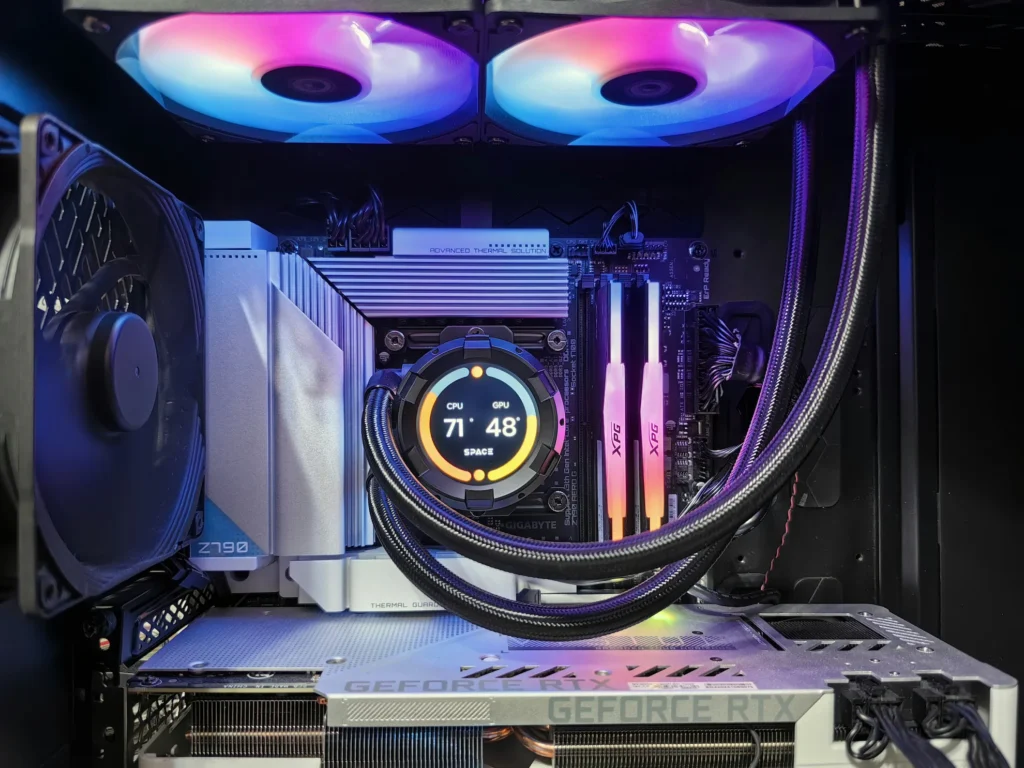
If your gaming PC is overheating, you’ll usually feel it in three places: performance (FPS dips), stability (crashes and shutdowns), and noise (fans constantly screaming). Here in Fredericksburg, hot, humid Central Virginia summers give your cooling system less headroom. A rig that stayed cool all winter can start overheating once July hits.
Common Signs Your Gaming PC Is Overheating
If several of these showed up around the same time your Fredericksburg summer got hot and sticky, ambient temperature is very likely part of the story.
- FPS drops after 10–20 minutes of gaming (classic thermal throttling)
- Random reboots or sudden shutdowns under load
- CPU or GPU temps repeatedly hitting 90°C+
- Fans ramping to 100% and staying there, even in moderate games
Start Here · 10-Minute Triage
- Check CPU/GPU temps at idle and in game
- Look for dust mats on filters and heatsinks
- Confirm fans spin and airflow isn't blocked
- Update GPU drivers and reboot
⚠ Stop immediately if you smell burning or see artifacts.
What Temperatures Are "Too Hot"?
Idle
30–50°C
Varies by cooler
Gaming
60–85°C
Normal under load
Red Flag
90°C+
Repeated spikes or shutdowns
Skip the DIY with Computer Cave!
Same-day repairs at Computer Cave in Richmond, Charlottesville & Fredericksburg.
PC Airflow: Do / Don't
✓ DO
- Use front/side intake, top/rear exhaust
- Keep 3–6" of clearance around vents
- Clean intake filters monthly (more with pets)
- Route cables to keep the front intake clear
✕ DON'T
- Push the case tight against a wall or cabinet
- Run with clogged filters — temps climb fast
- Mix random fan directions (hot spots)
- Ignore a rattling fan or AIO pump noise
FAQs for Gaming PC Overheating in Fredericksburg
Does Fredericksburg's climate really affect gaming PC overheating?
Yes — hot, humid summers raise the ambient temperature your PC works against, so a rig can overheat in July even if it ran cool all winter.
Can overheating damage my GPU or CPU?
It can. Components throttle to protect themselves, but repeated extreme heat accelerates wear. Sustained 90°C+ or shutdowns should be addressed quickly.
Is it normal for fans to get loud during gaming?
Some ramp is normal, but constant 100% fans paired with high temps usually signals a cooling or airflow problem.
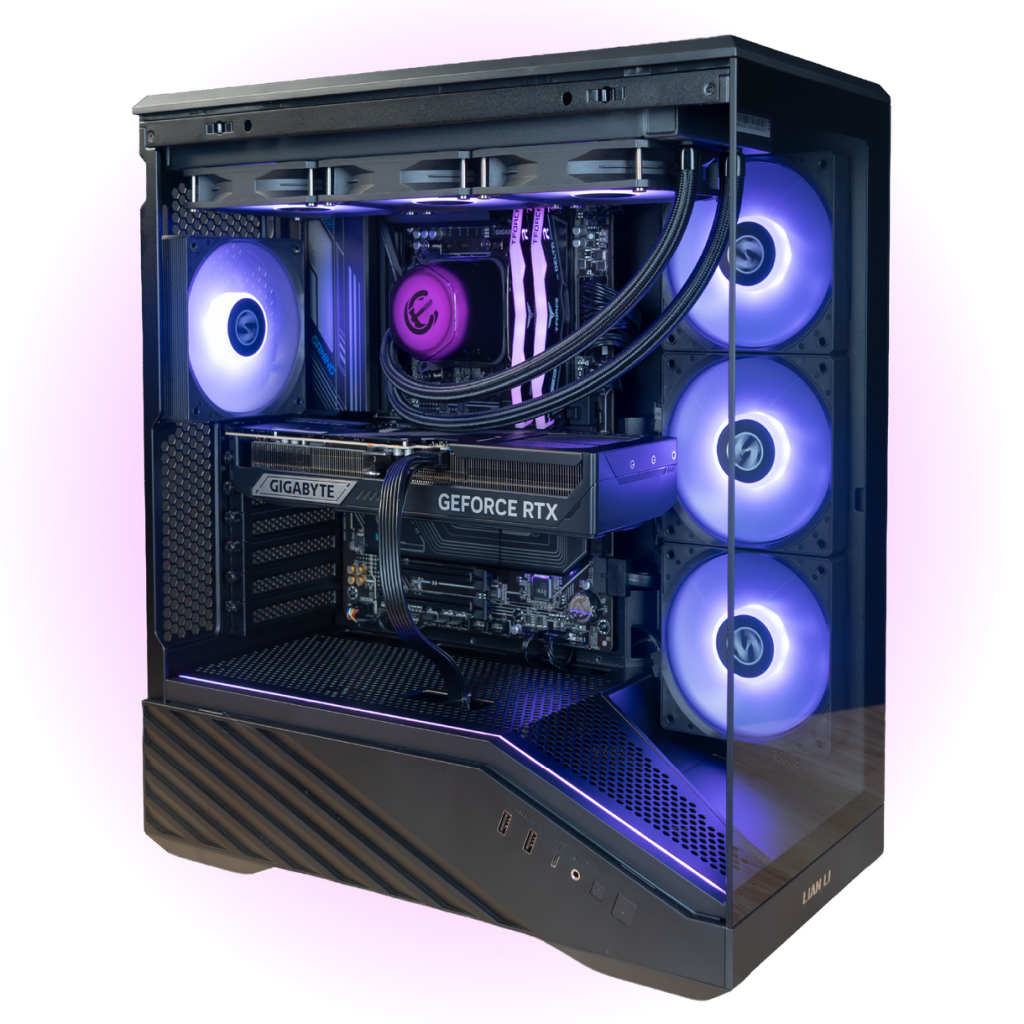
Gear Up. Game on.
Your next PC, built by us.
Ready-to-game rigs and fully custom builds, assembled and stress-tested in Virginia. Nationwide shipping, financing available.